How to Recover Data from a Broken iPhone
A cracked screen, a drop in water, or a phone that just stopped responding. Before paying for repairs, check if your data is already backed up somewhere — it might be.
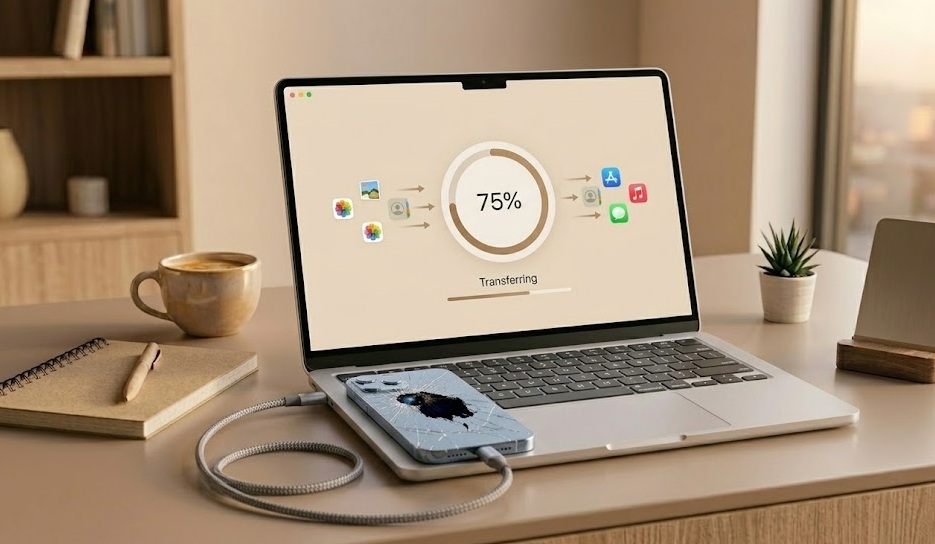
Check iCloud.com immediately — sign in on any browser and look for Photos, Contacts, Notes. If you had iCloud backup enabled, most of your data is already there. For a broken-screen iPhone that still powers on, a repair shop can mirror the display and let you perform a backup.
What's in this guide
What's Actually Happening
A broken iPhone and lost data are two separate problems. The glass cracking, the screen going black, the charging port breaking — none of these directly destroy the NAND flash chip where your photos and messages actually live.
The path to your data depends on one key question: does the phone still power on? If yes — even with a completely shattered screen — you have real options. If no, iCloud is your primary route.
According to Apple's iCloud documentation, iCloud Photo Library automatically uploads full-resolution photos and videos to iCloud when enabled — meaning a broken phone doesn't affect access to your photo library from any other device or browser. [source]
iFixit's iPhone repair teardown data shows that the NAND flash storage chip is physically separate from the display assembly — screen damage does not affect data integrity in the vast majority of cases. [source]
At a Glance
Quick Diagnosis Table
| Symptom | Likely Cause | Fix Difficulty |
|---|---|---|
| Screen cracked, phone still works | Broken digitizer only | Easy — mirror or repair |
| Phone on, screen fully black | Display cable disconnected | Medium — repair needed |
| Won't turn on, dropped in water | Water on logic board | Hard |
| Won't turn on, dry conditions | Battery or charging failure | Medium |
| Stuck in boot loop | iOS software corruption | Medium — DFU restore |
Self-Diagnosis Checklist
Quick Diagnostic Tool
Does your iPhone still power on at all?
The Overlooked Cause Most People Miss
If your iPhone screen is broken but the phone still powers on, you can pair a Bluetooth keyboard with it — even without seeing the screen — to navigate using Voice Control and initiate a backup. This sounds unusual but works.
Apple's own accessibility documentation confirms that iPhones can be controlled entirely via Voice Control commands without any screen interaction, allowing users to unlock the device, open Settings, and trigger a backup using only audio commands. [source]
What Not to Do
Don't try to fix the screen yourself unless you know what you're doing — improper repair can destroy data access permanently.
Don't plug a water-damaged iPhone in to charge — this can short circuit the logic board.
Don't attempt a factory reset to fix a software issue before ensuring data is backed up.
When to Get Professional Help
- Phone completely unresponsive to all charging and restart attempts
- Visible burn marks, swollen battery, or damaged charging port
- No iCloud backup exists and data is critical
- Water damage — logic board needs ultrasonic cleaning
Decision Flow
If You Only Do One Thing
Open iCloud.com on any computer right now and sign in with your Apple ID. If iCloud Photos was enabled — even on the free 5GB plan — your photos are very likely already there, safely stored, waiting for you.
People Also Ask
Yes. If the phone still powers on, you can mirror the screen to a Mac via QuickTime or use iCloud to access your backed-up data from any browser.
Check iCloud.com first — photos, contacts, and notes sync automatically. For more data, iMazing software can extract from iCloud backups without needing to restore the device.
Apple retail staff don't perform data recovery. They will attempt repairs, and if the device can be powered on, you can back it up yourself. For severe damage, third-party recovery services are the option.